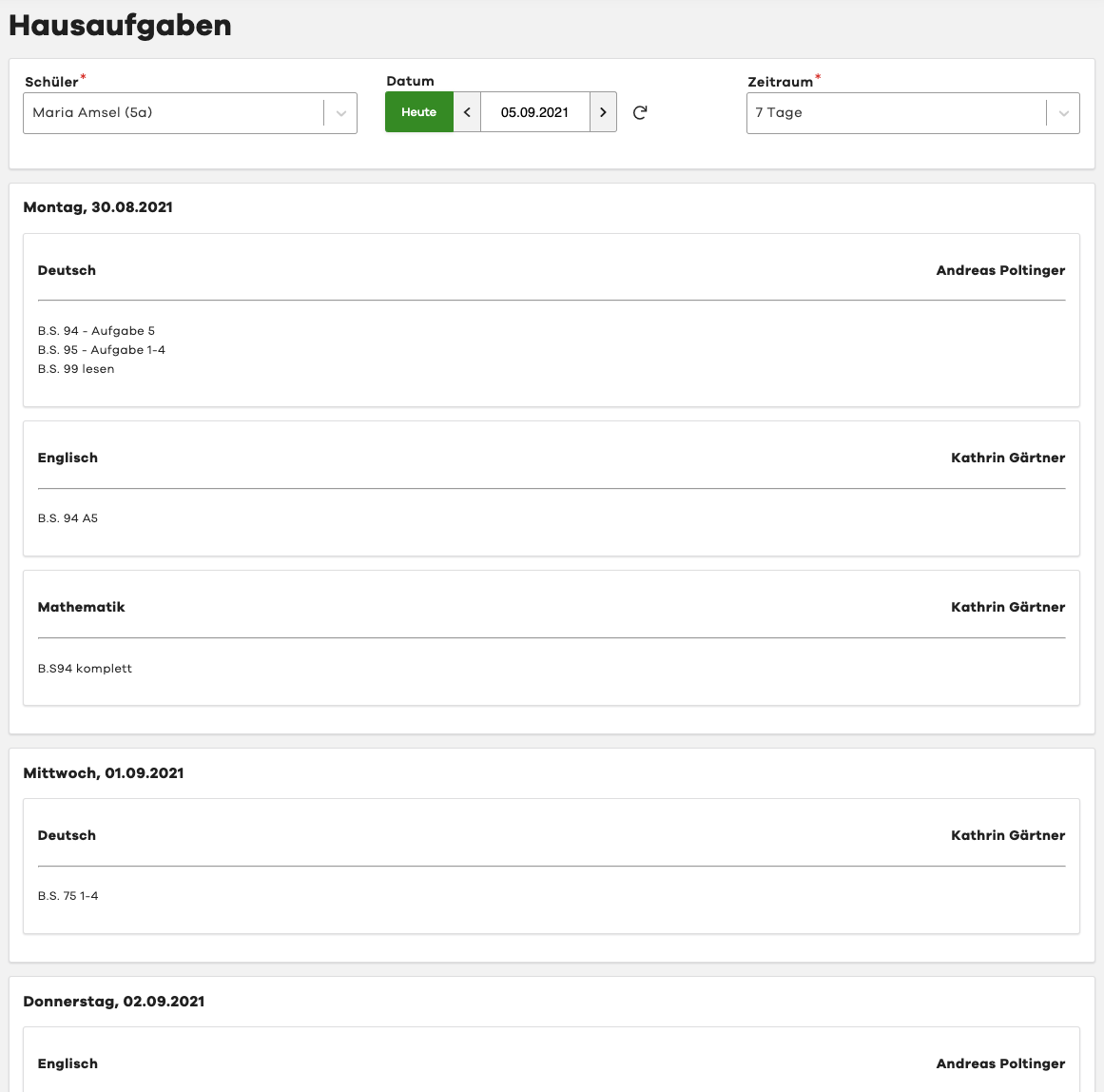
Homework
Introduction
Please note that your school does not have to activate homework sharing for every class. Whether and to what extent homework is shared with pupils and legal guardians is solely up to the school. There is neither a claim nor a guarantee of accuracy.
If in doubt, please ask your school.
edjufy Support is not authorized to adjust the scope of homework sharing.
Overview
Module Selection
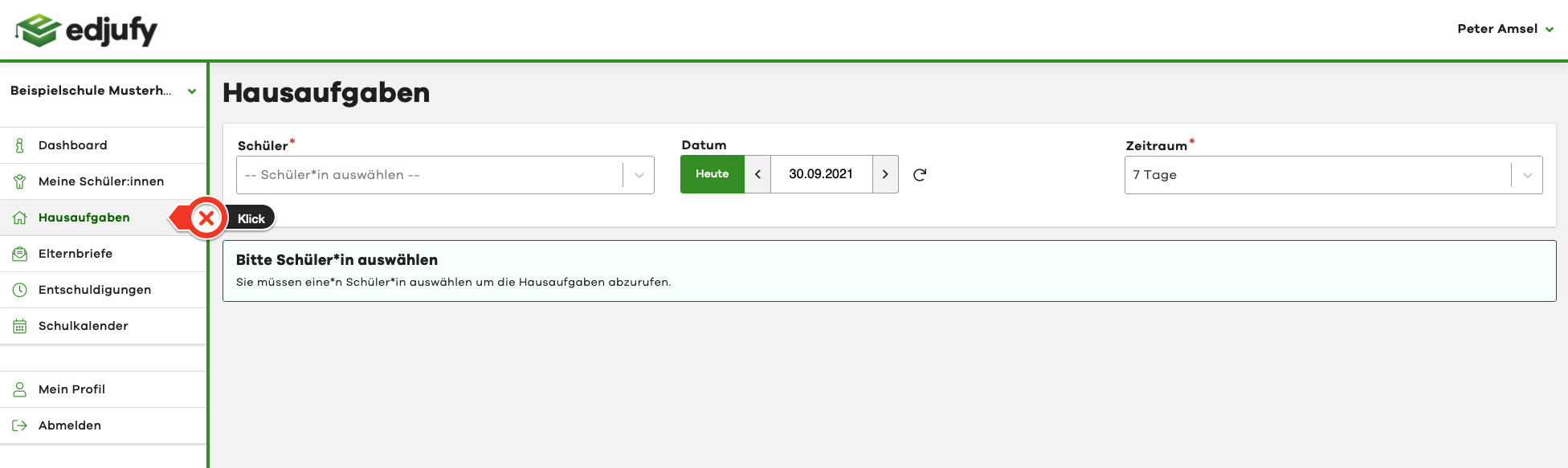
To access the edjufy Homework module, please click on Homework in the left menu bar.
Configuration
In the Homework module, you have the following configuration options:
- Pupil (selection)
- Date
- Time period

Pupil
If you have multiple pupils at the same school, please select the corresponding pupil.
Date
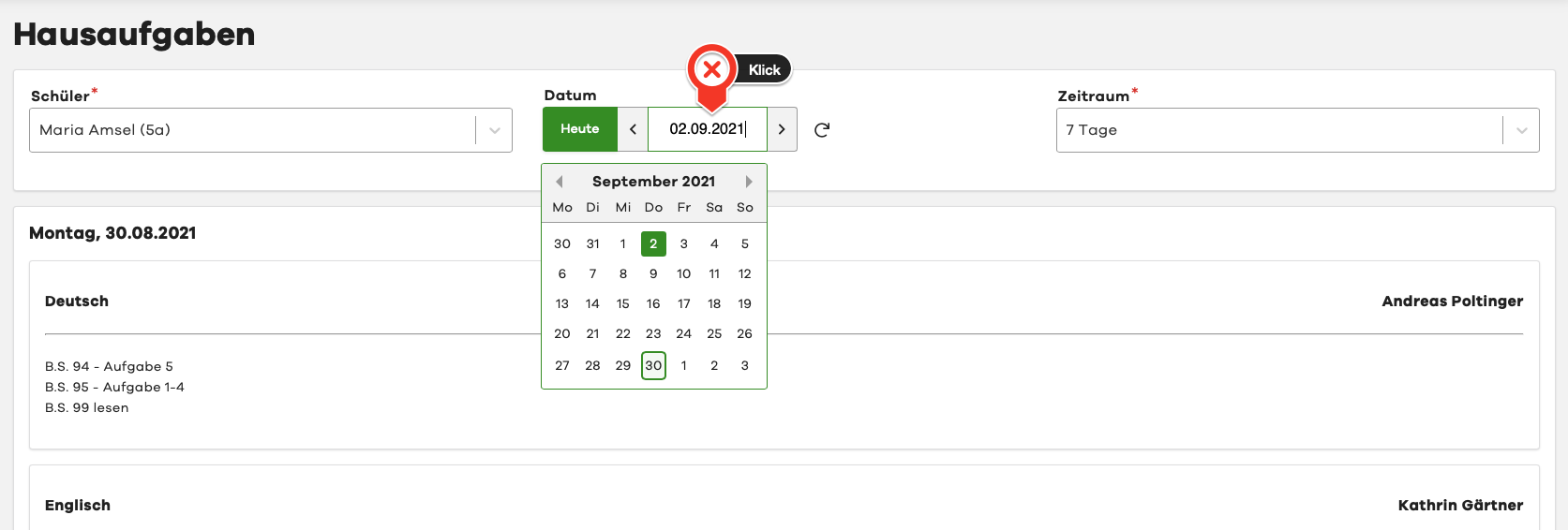
The date is automatically set to today. If you need homework for a different period, simply click on the date field and select the desired date.
Time Period
Using the time period, you can control how many days you want to look back from the selected date. The default value is 7 days. This means that from the selected date, all homework from the last 7 days will be displayed.
Homework from the Digital Lesson Log
The Homework module then shows you all homework from the school's digital lesson log. The entries are grouped by day and by lesson. Additionally, we show you the subject as well as the name of the teacher who created the entry.
Please note that only the homework information is displayed and not the topics covered in the lesson or the lesson documentation. If you have questions about this, please contact your school.