My Pupils
Overview
To get an overview of the pupils assigned to your account, click on My Pupils in the left menu bar.
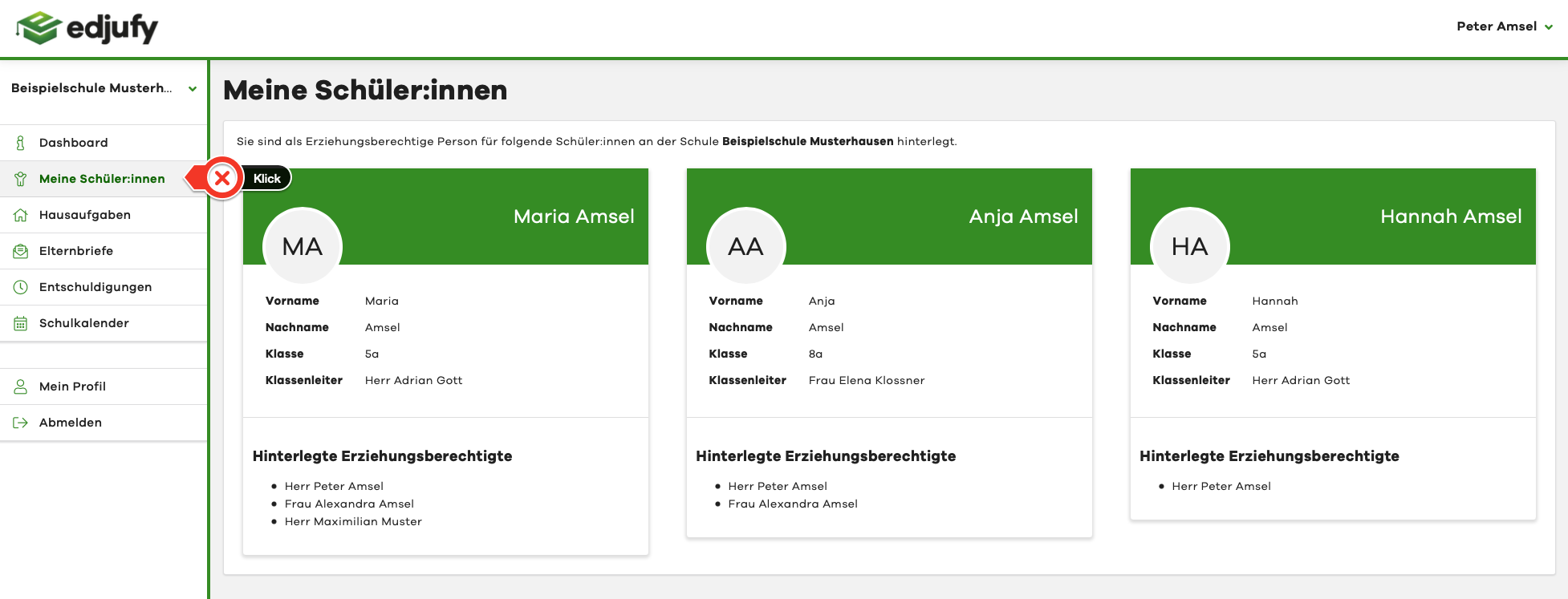
The tiles display the names and other information. If a pupil is missing here, please contact your school. The school will be happy to add you to the missing pupil.
What Do I Do If My Child Is Not Displayed
Please note that edjufy Support is not authorized to add or remove legal guardians for security reasons.
Please contact your school in such a case.
Registered Legal Guardians
For each pupil assigned to your account, you can see all other people who are also registered as legal guardians.
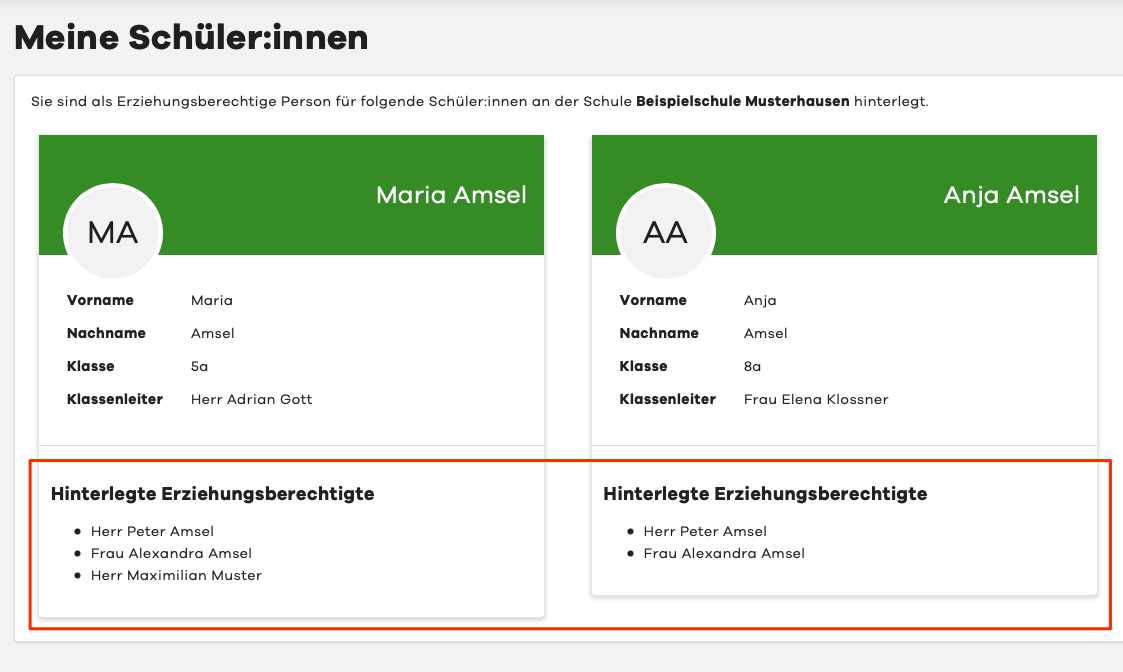
If another person is added to your child, all existing legal guardians will automatically receive a notification from the system.
This is for security reasons and is intended to help prevent possible errors proactively.