Parent Letters
General
As a legal guardian, you will receive all parent letters by email, regardless of whether you have an edjufy account or not. This email contains the message from the school as well as any attachments that can be downloaded with a simple click.
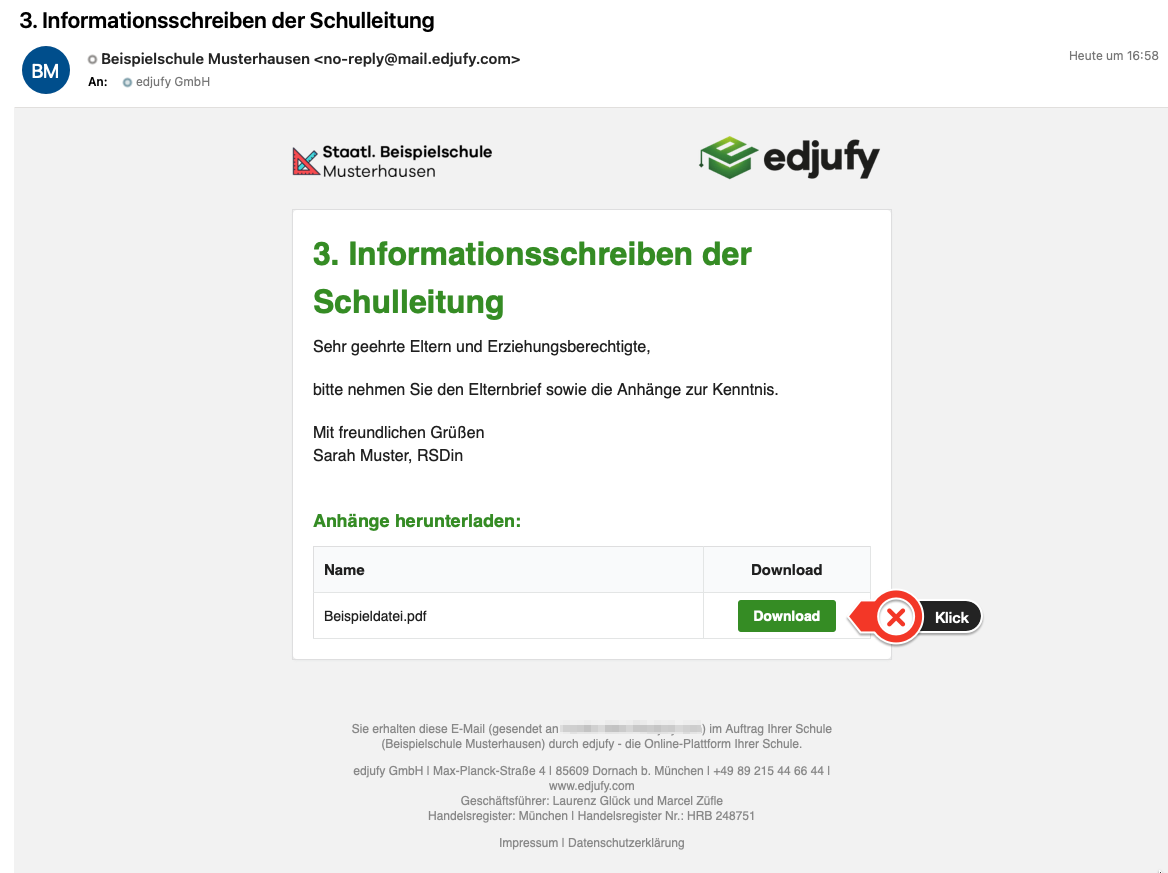
To receive parent letters by email, an edjufy account is not strictly required. Nevertheless, we recommend that all legal guardians follow the invitation to the system to take advantage of the many benefits of edjufy.
Responses
For some parent letters, your school requires a response. This could be participation in an event or whether your child is allowed to go home independently after the field trip.
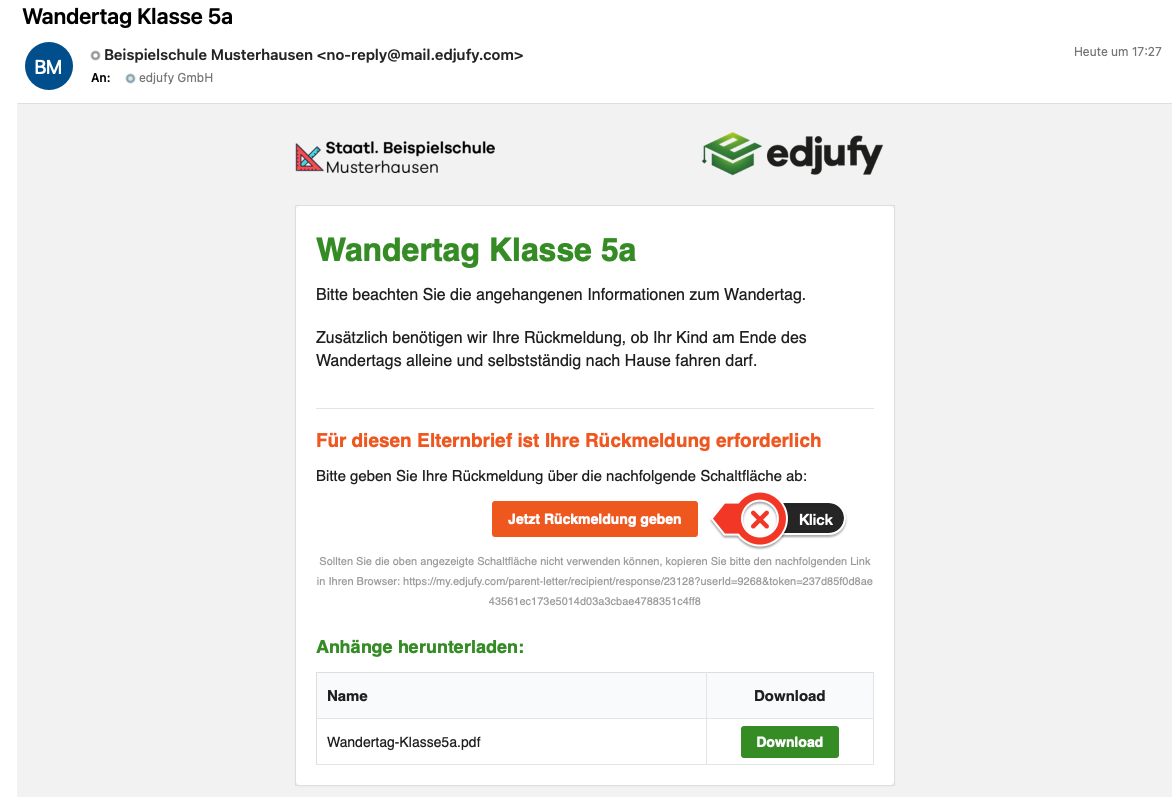
Parent letters with responses have an additional response section in the email. Please click on the Give Response Now button to send a response to your school.
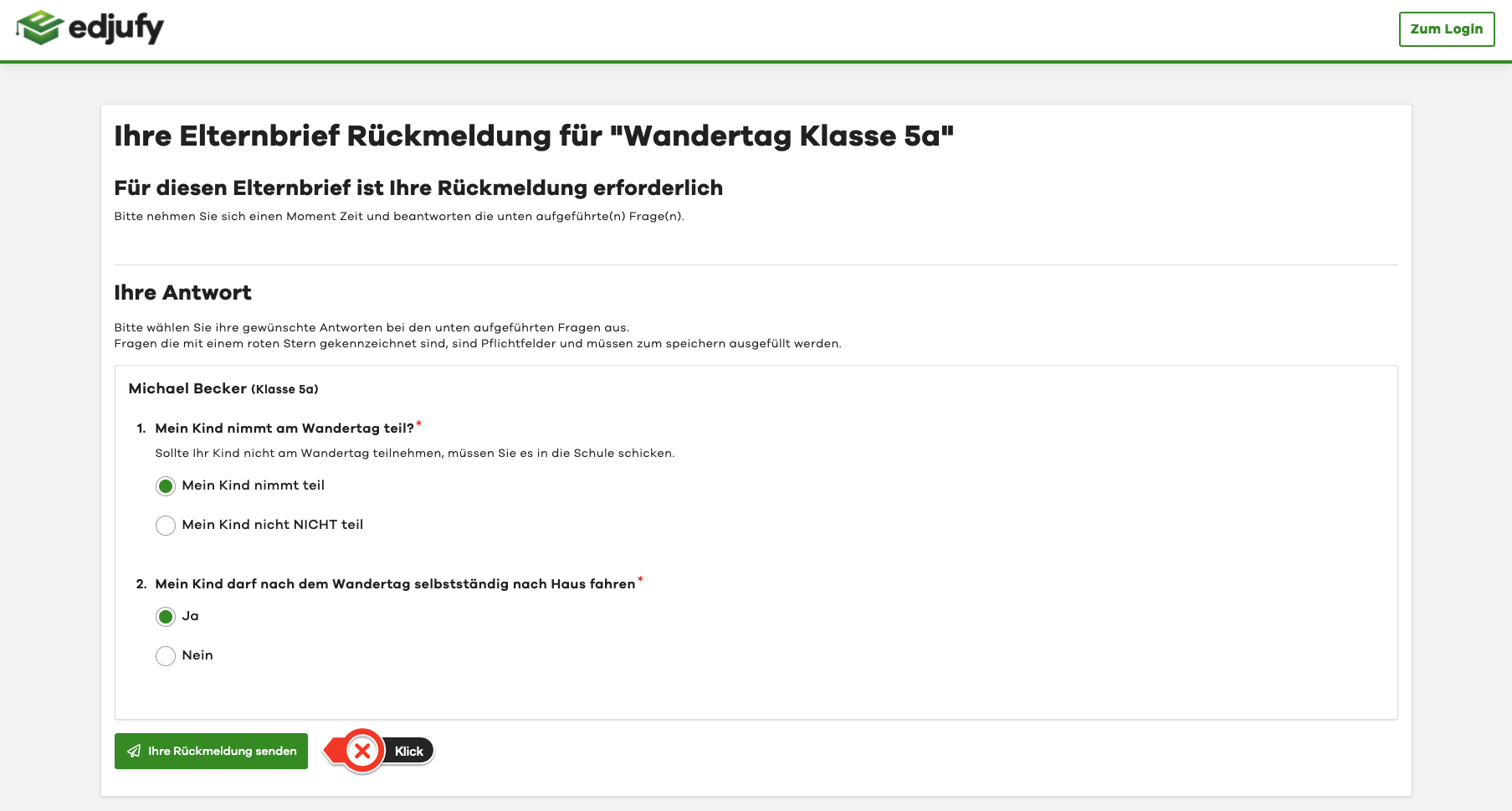
Please answer the school's questions and confirm your entry with Send Your Response
Read Parent Letters in edjufy
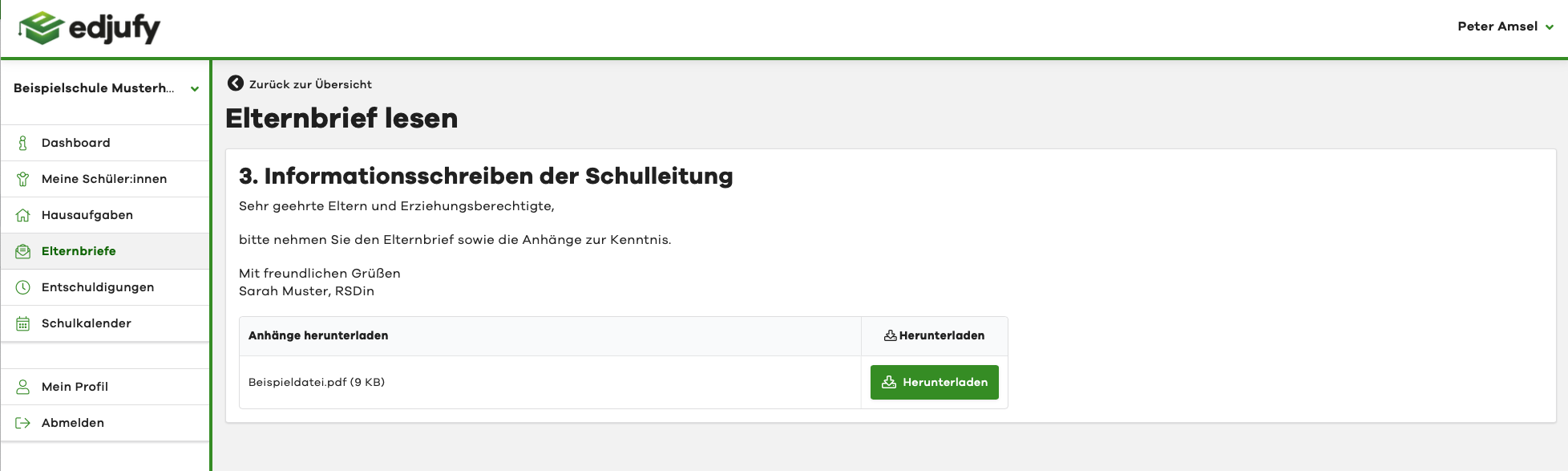
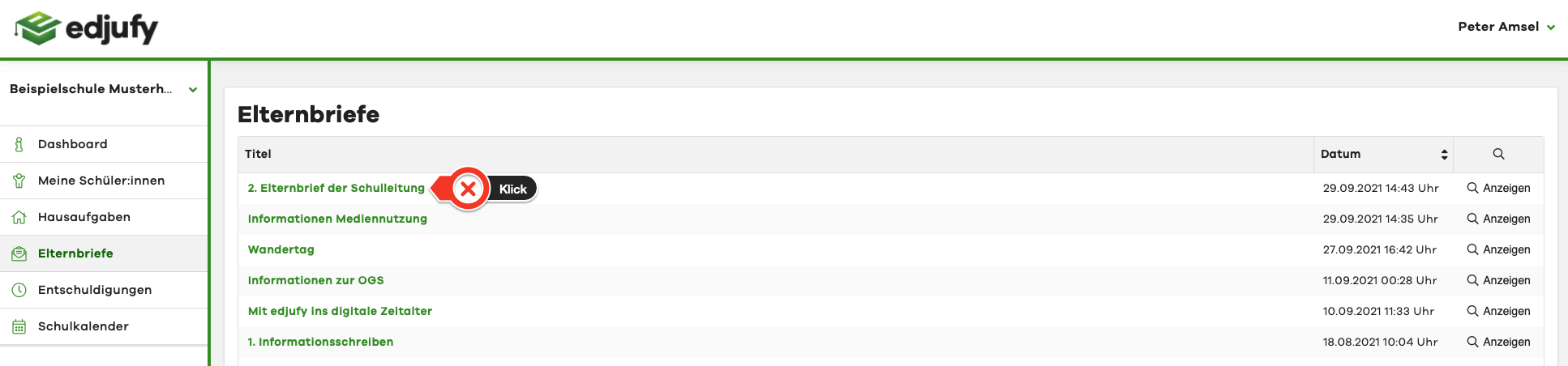
With an edjufy account, you can also read older parent letters in edjufy. To do this, click on Parent Letters in the menu bar on the left side. In the Parent Letters module, you will then see all parent letters that have been sent to you.
Click on the desired title to open the parent letter.
In the following view, you can see the message and also download the attachments again.