Users at Multiple Schools
General
With edjufy, you can have access to multiple schools with just a single login. This is particularly practical if you have multiple children at different schools that use edjufy. Even if you are a teacher and a legal guardian at the same time, you can enjoy the benefits of edjufy with just a single login.
Login
If you have access to multiple schools, you can log in as usual at https://my.edjufy.com.
If multiple schools are stored with your credentials, they will be displayed after successfully entering your email address and password as shown in the following example.
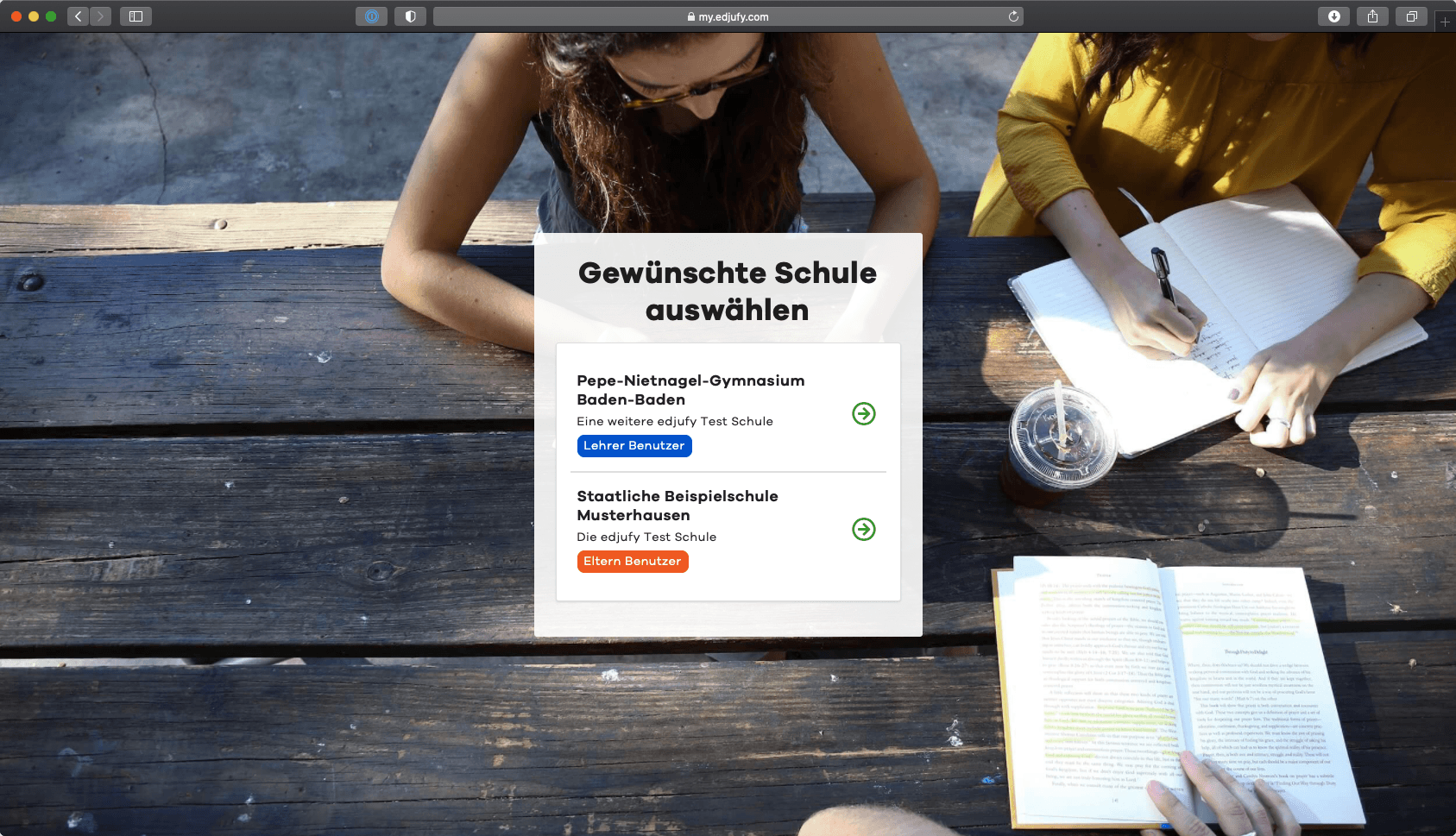
With edjufy, you can not only work at multiple schools and in multiple roles, but theoretically also be a teacher and legal guardian at the same school.
Switching Schools Within the Application
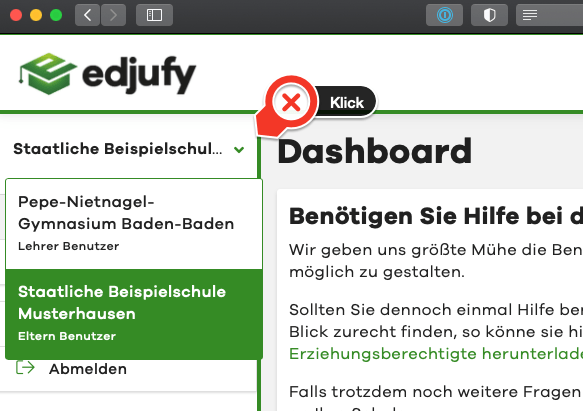
Switching schools is possible directly from within the application without logging in again. If multiple schools are stored with your credentials, you can open the school selection dialog by clicking on the name of the school.