Reset Password
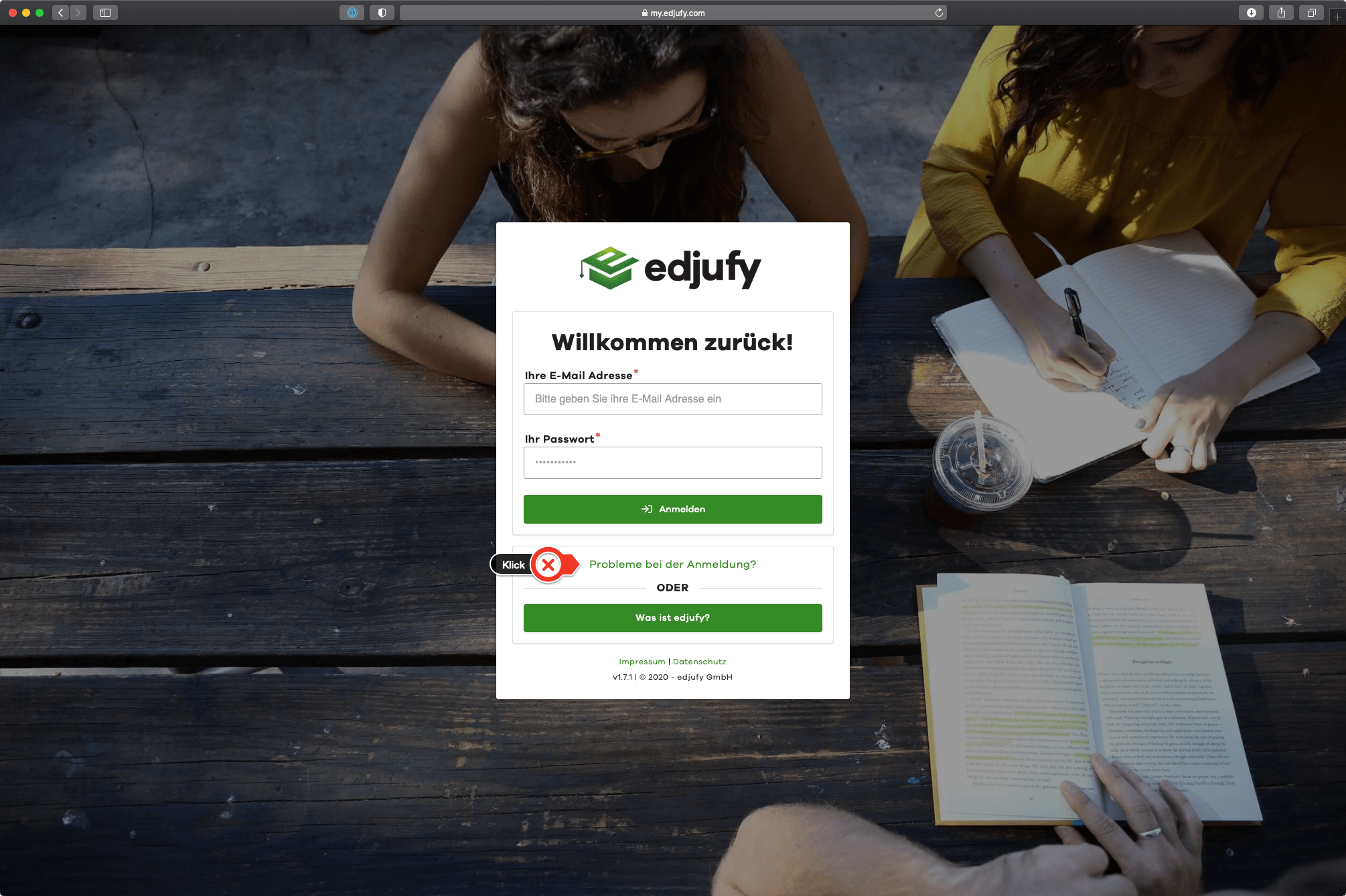
Login Problems
If you have forgotten your password, the Login Problems link on the edjufy login page (http://my.edjufy.com/) will take you directly to the password reset.
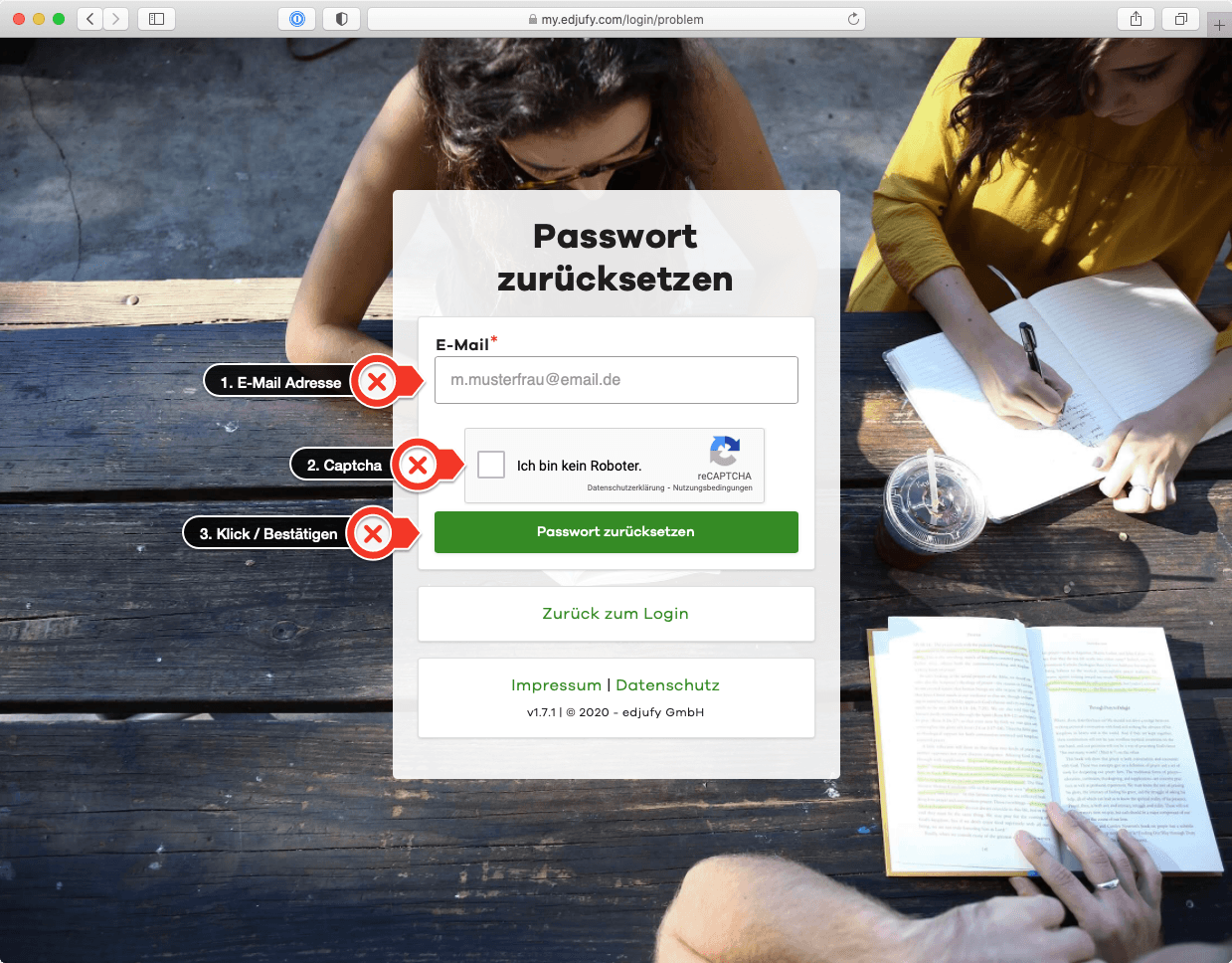
Alternatively, you can also reach the password reset at https://my.edjufy.com/login/problem
Reset Password
- Please enter your email address registered with edjufy
- Click on the I am not a robot field and complete the Captcha
- Confirm your entry by clicking the Reset Password button
The Captcha is a security measure that confirms to the system that the action is being performed by a human. This is verified, for example, by solving small puzzles.
Email Confirmation
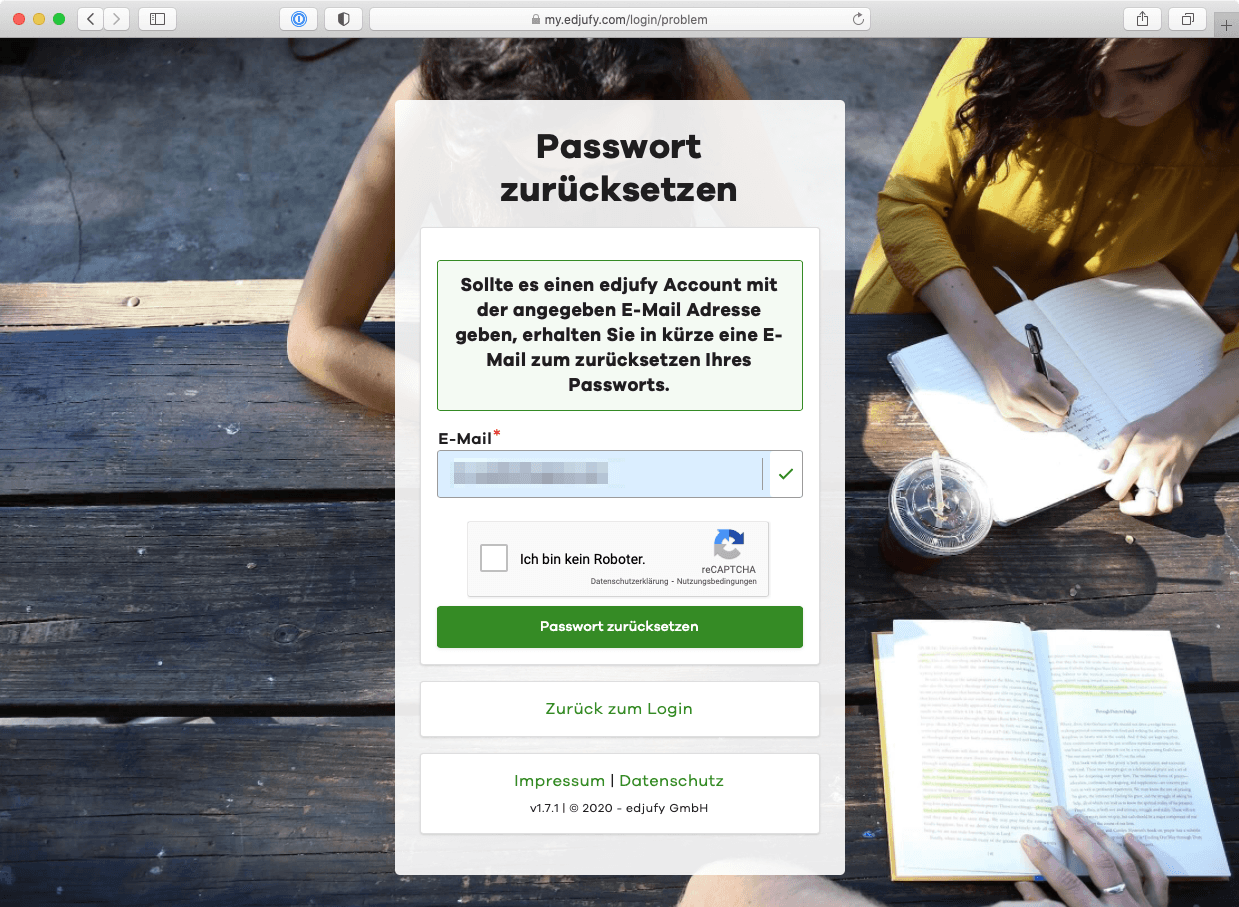
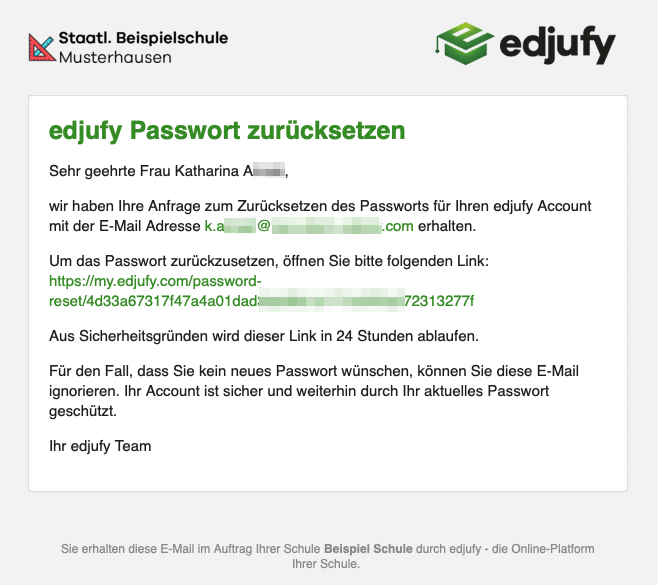
By clicking the Reset Password button in the previous view, edjufy checks whether an account exists for the entered email address. If so, you will receive a message at this email address with a link to reset your password. This email looks approximately like the following example.
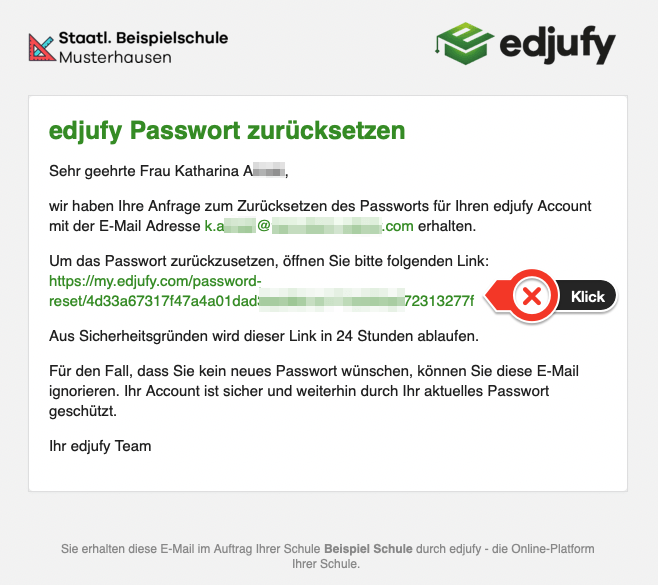
Now click on the reset link and follow the instructions in your browser.
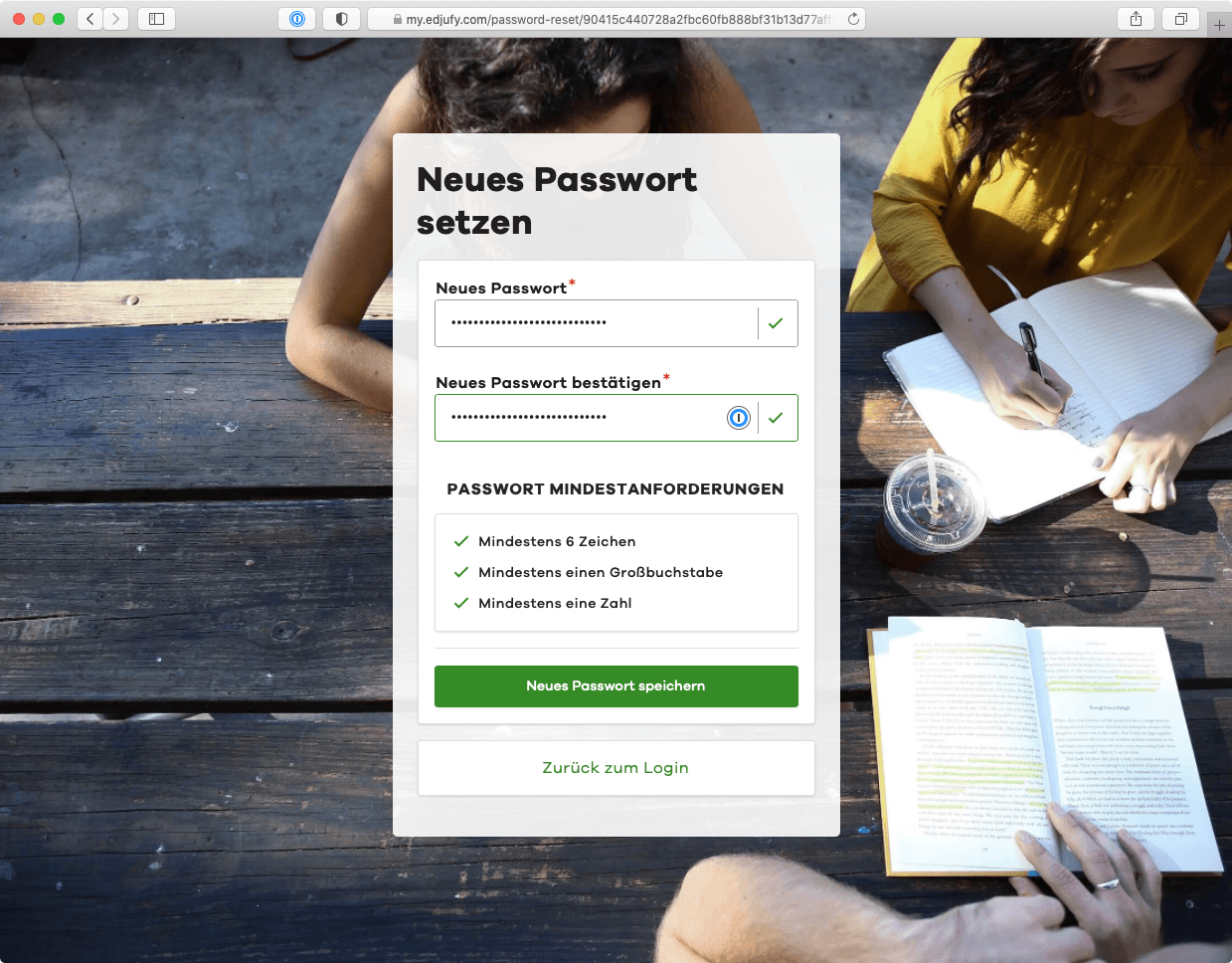
Set New Password
- Now set your new password
- Repeat it in the second line and
- Confirm your entries with Save New Password
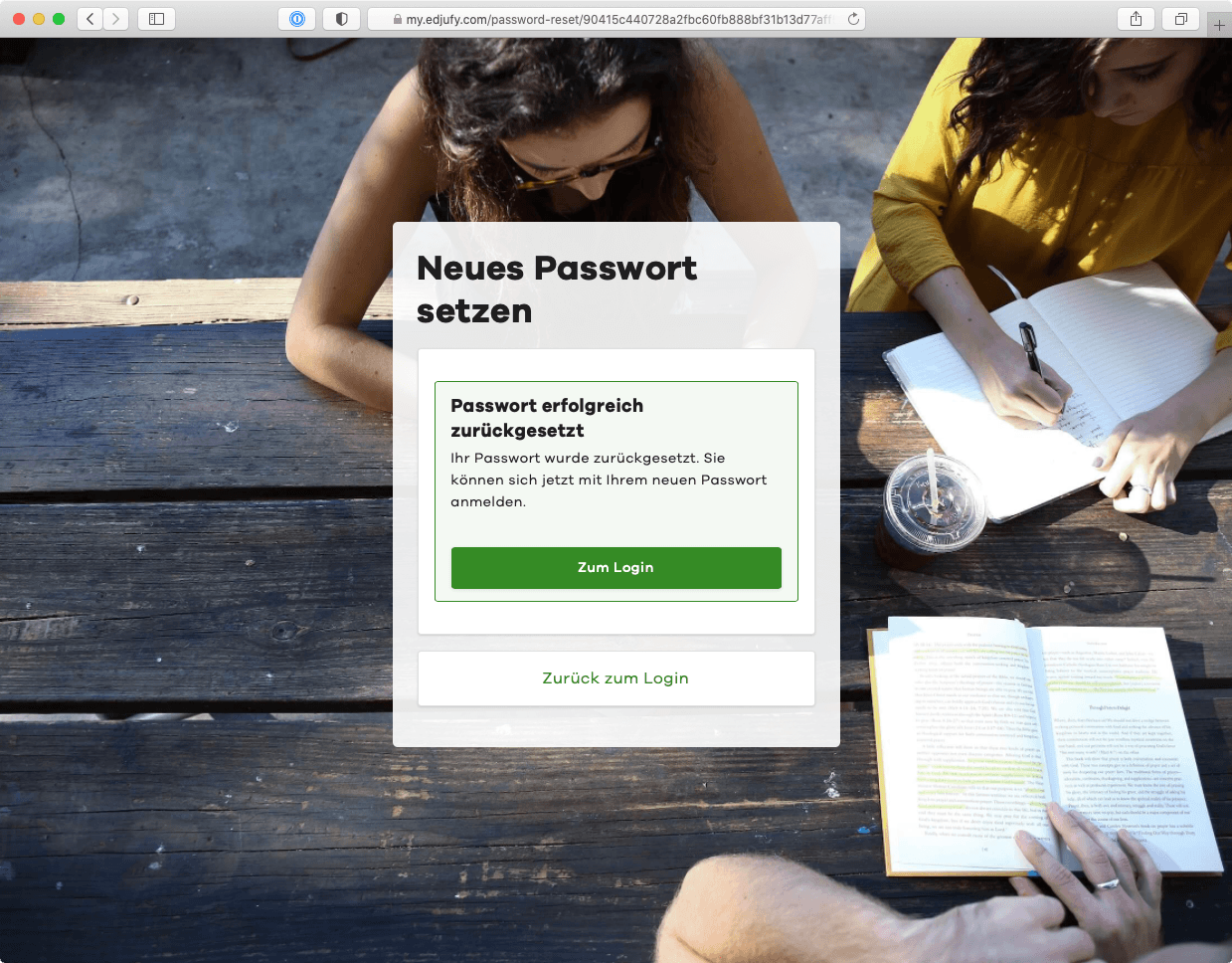
Your password has now been reset and you will receive the following confirmation as well as a confirmation email. From now on, you can log in with your new password as usual at https://my.edjufy.com.