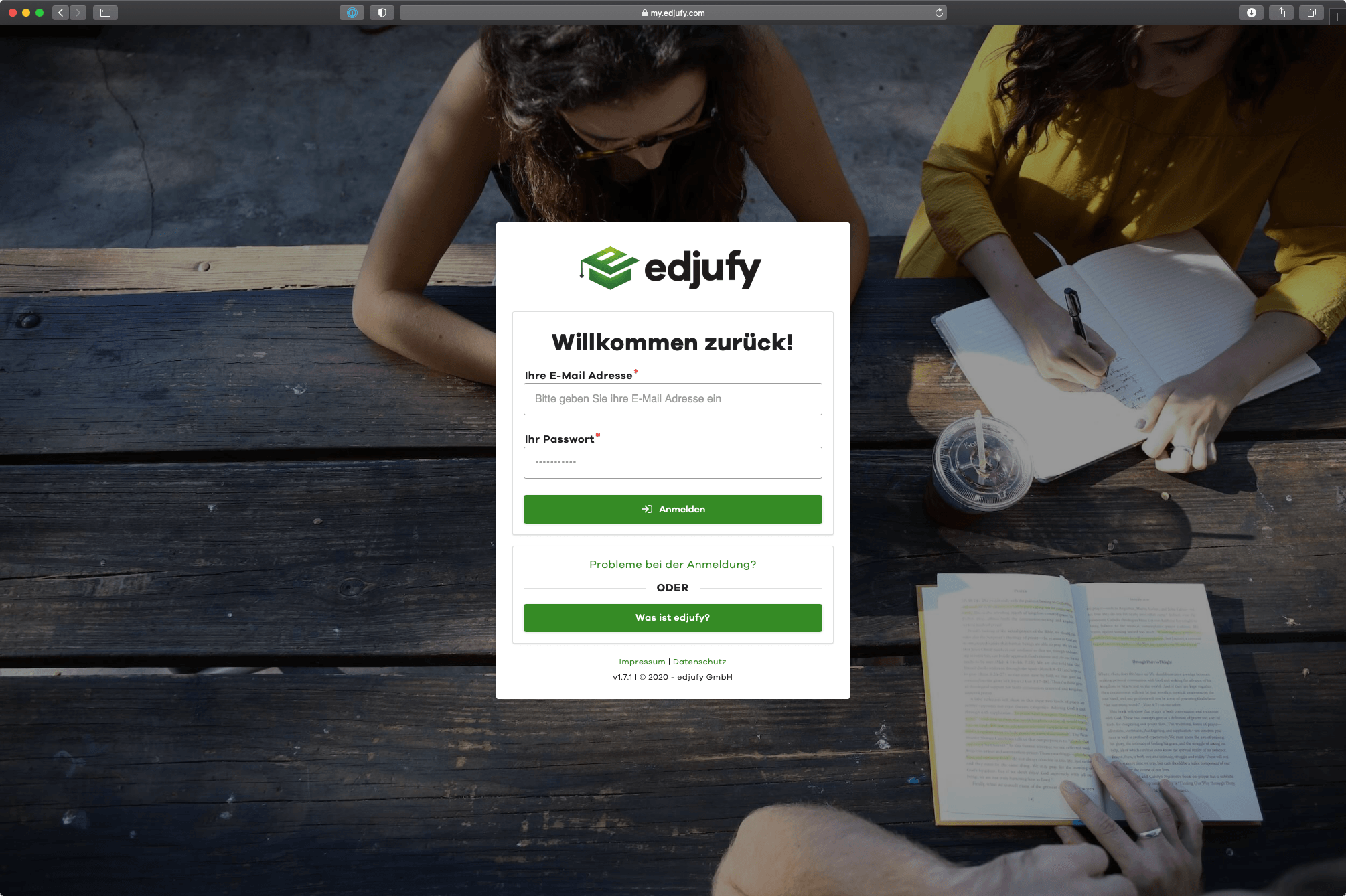
User Login
To work with edjufy, simply log in with your personal credentials at http://my.edjufy.com. You defined these yourself during the Initial Registration. If you have forgotten your password, you can reset it at https://my.edjufy.com/login/problem.
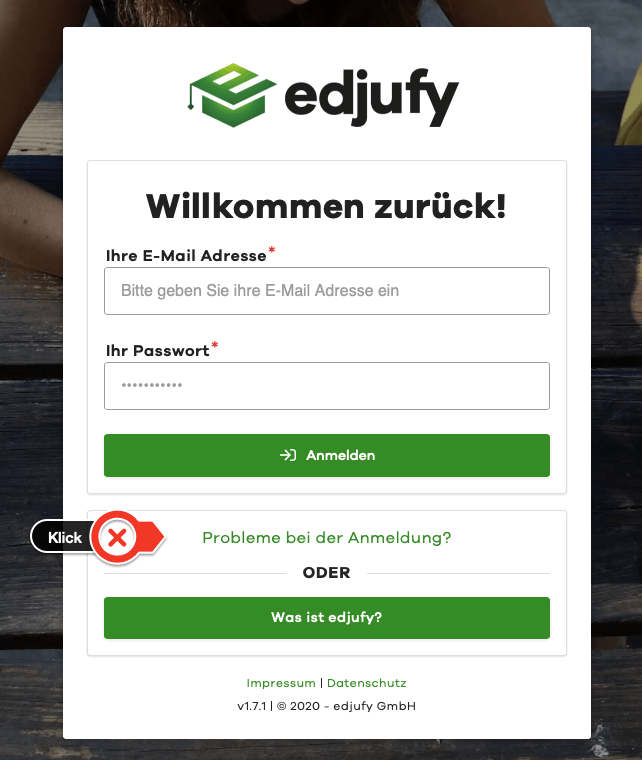
If you have forgotten your password, the Login Problems link on the login page will take you directly to the password reset.
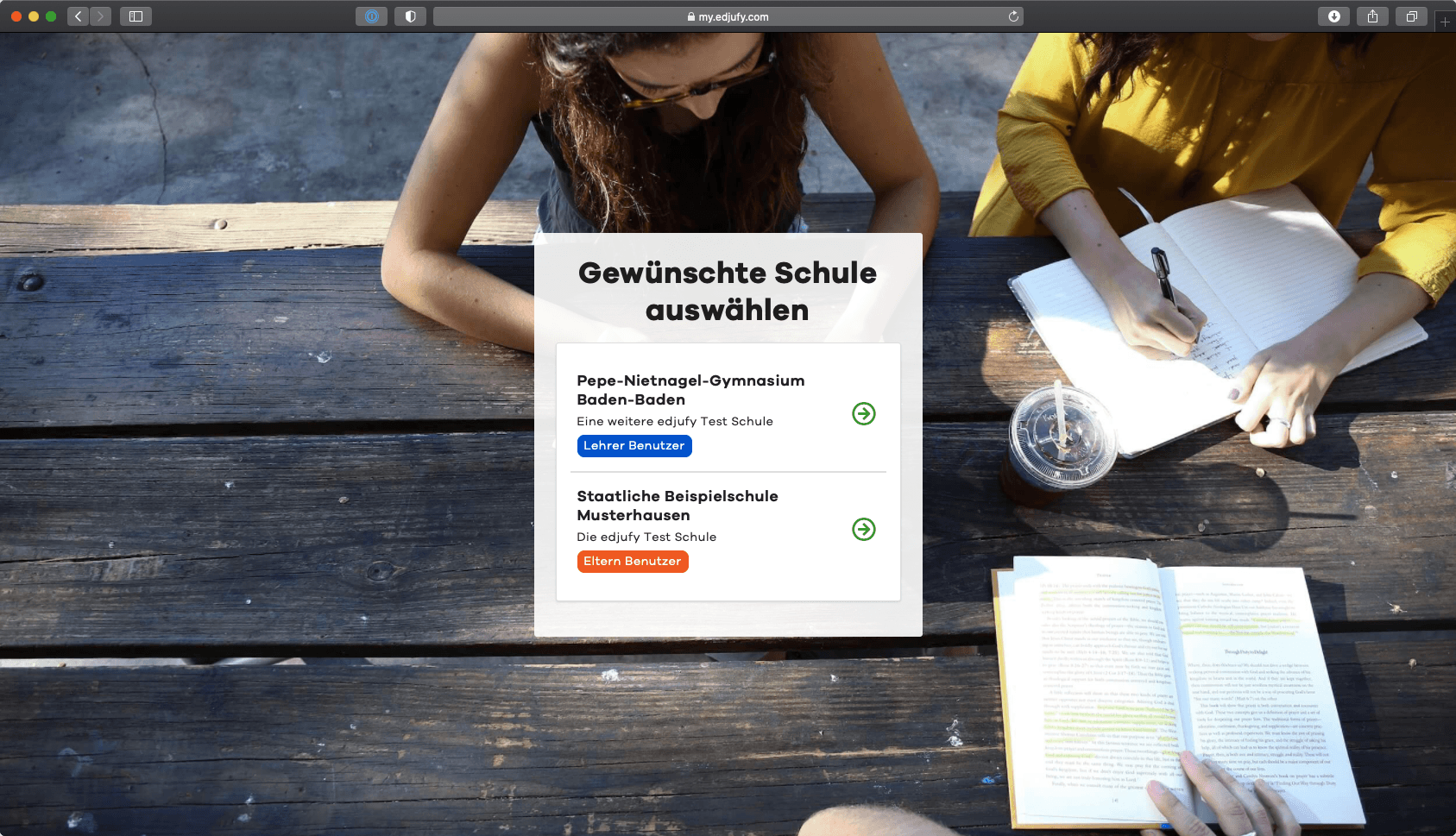
Select Desired School at Login
edjufy is a multi-account capable application that allows you to have different roles at various schools. If you have an account as both a teacher and a parent at different schools, please select the desired school after logging in.
Login Problems
If you have problems logging in or have forgotten your password, the "Login Problems?" link on the login screen will take you directly to the password reset. If you have forgotten your password, you can reset it at https://my.edjufy.com/login/problem.
If you have not yet received an email invitation to edjufy, please check your inbox and contact your class teacher or the responsible edjufy system administrator.